

SUBSCRIBE AND SAVE ON ALL PRODUCTS!
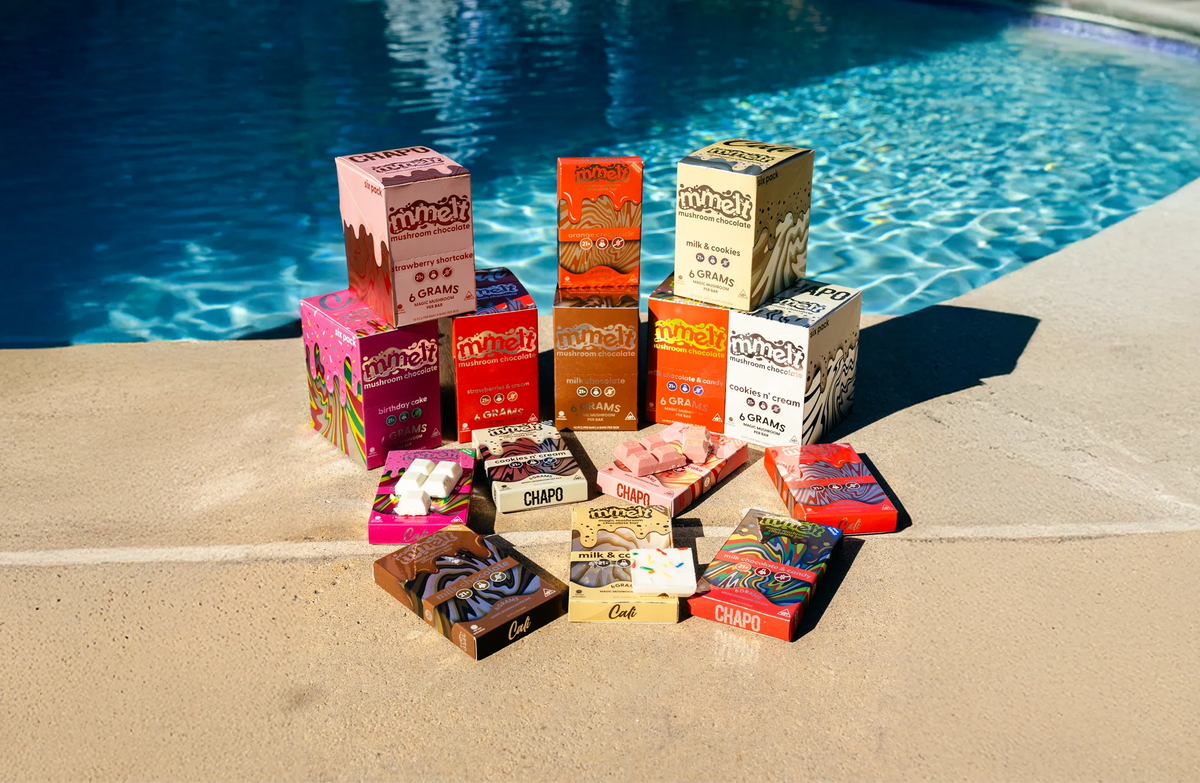
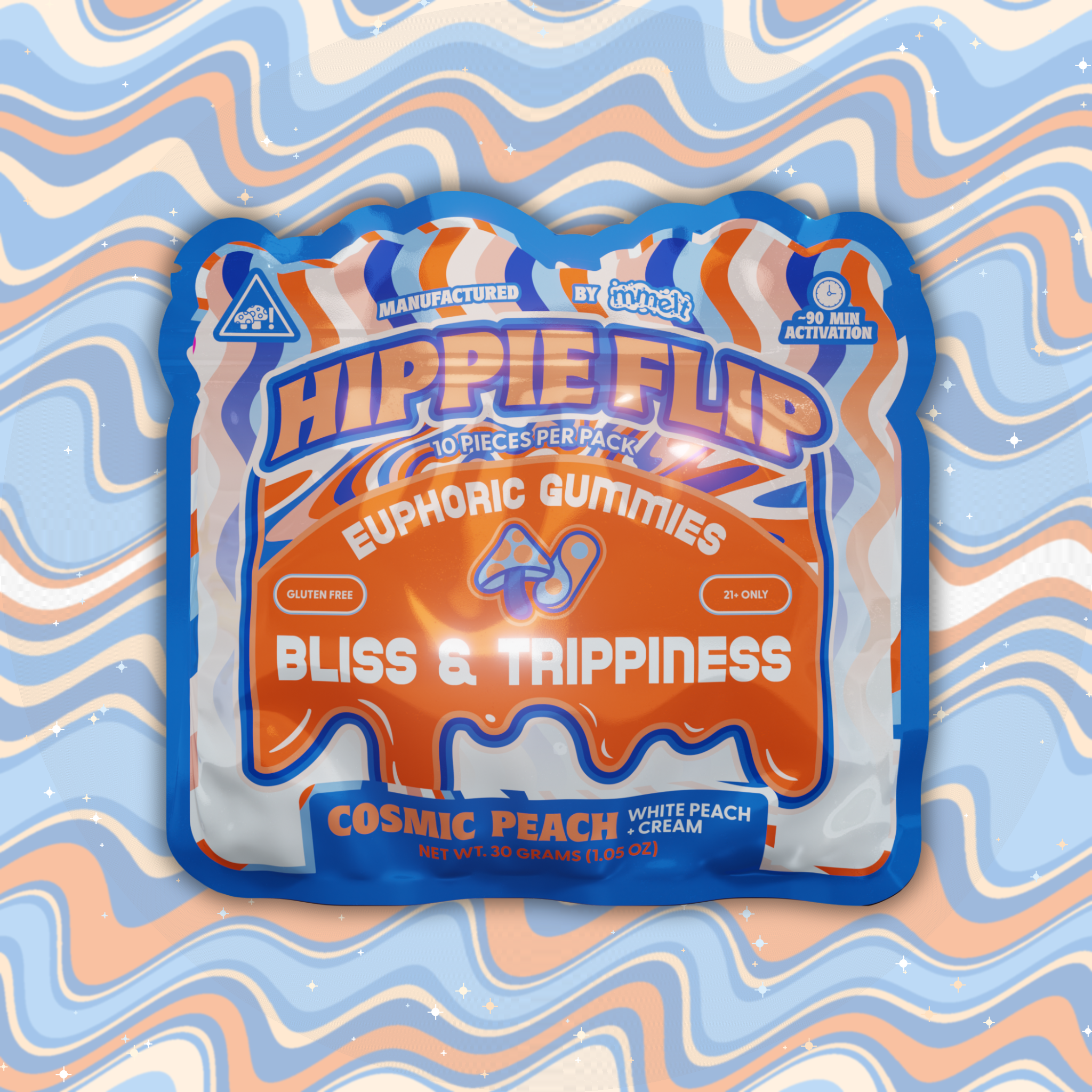
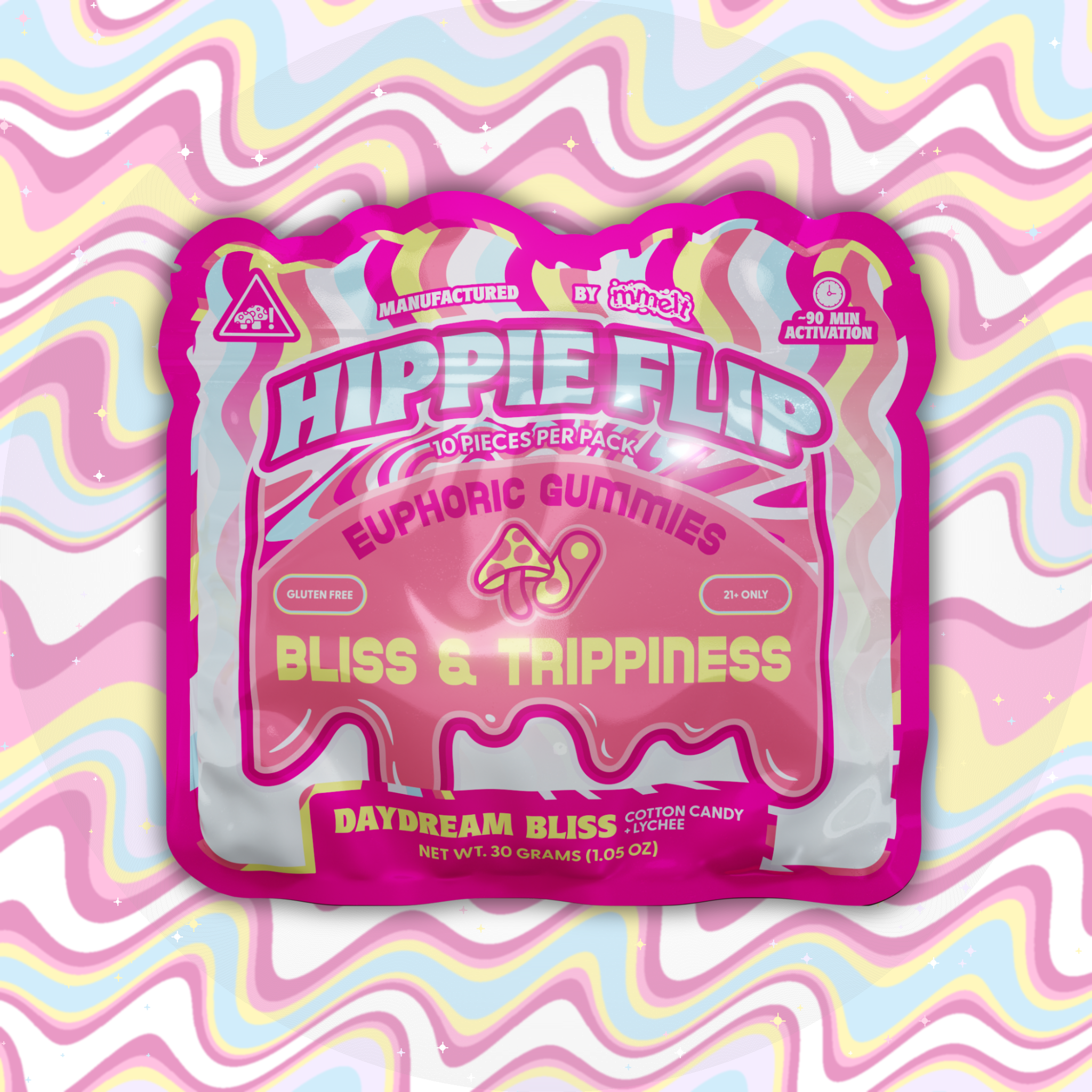
Join the Mmelt Club. Get your favorite mushroom gummies, chocolates, and shots delivered straight to your door on your schedule. Set it, forget it, and keep your mind melting.




Frequently Asked Questions
How do I subscribe to a product and choose my delivery frequency?
To start a subscription, simply select the "Subscribe and Save" option on the product page instead of a "One-time purchase". Next, use the Frequency dropdown menu to choose your preferred delivery schedule and discount:
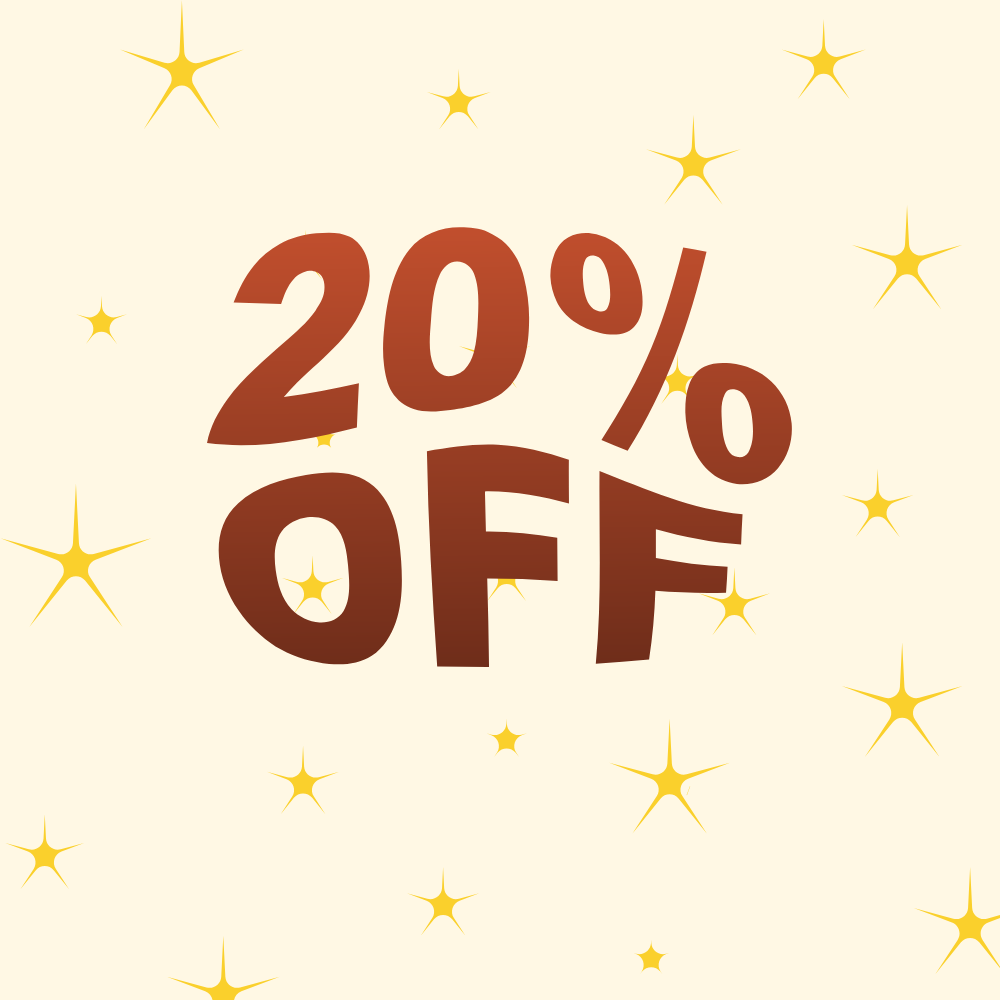
- Select "Deliver every week" to save 20% on your order.
- Select "Deliver every 2 weeks" to save 15% on your order.
- Select "Deliver every month" to save 10% on your order.
Once you've made your selection, add the item to your cart and complete checkout as usual. You can always adjust this frequency later by logging into your Customer Portal!
How do I log in to manage my subscription?
There are two easy ways to access your Customer Portal to manage your Loop subscriptions:
- From your Store Account: Log into your customer account on the mmelt website. Once logged in, click the "Manage Subscriptions" button located on your account/orders page.
- Using a Magic Link (No Password Required): Open our website and click the "Manage Subscription" link in the footer. This will open our Subscription Login page. Enter your email address, and we will send a secure, passwordless link to your inbox. (Note: For your security, magic links expire after 48 hours. If your link expires, simply request a new one).
How do I completely cancel my subscription?
You have full control over your subscription and can cancel it at any time:
- Log into your Customer Portal using the steps above.
- Click on the active subscription you wish to modify.
- Scroll to the very bottom of the page.
- Click the "Cancel Subscription" button.
- Follow the quick on-screen prompts to confirm your cancellation. (Tip: If you just need a short break, you can also select the Pause Subscription option instead of fully canceling!)
I have too much product! How do I skip my next delivery?
If you need to skip your upcoming shipment without canceling:
- Access your Customer Portal and open your active subscription.
- Click on the "Skip order" button.
- Your upcoming order will be skipped, and you will not be charged. Your subscription will automatically resume on the following scheduled date.
How do I update my shipping address or payment method?
- To change your Shipping Address: In your Customer Portal, click on your active subscription, scroll down to the "Shipping Address" section, and click Edit to update your details.
- To change your Payment Method: In your Customer Portal, navigate to the "Payment Method" section, and click Update to update your details.